
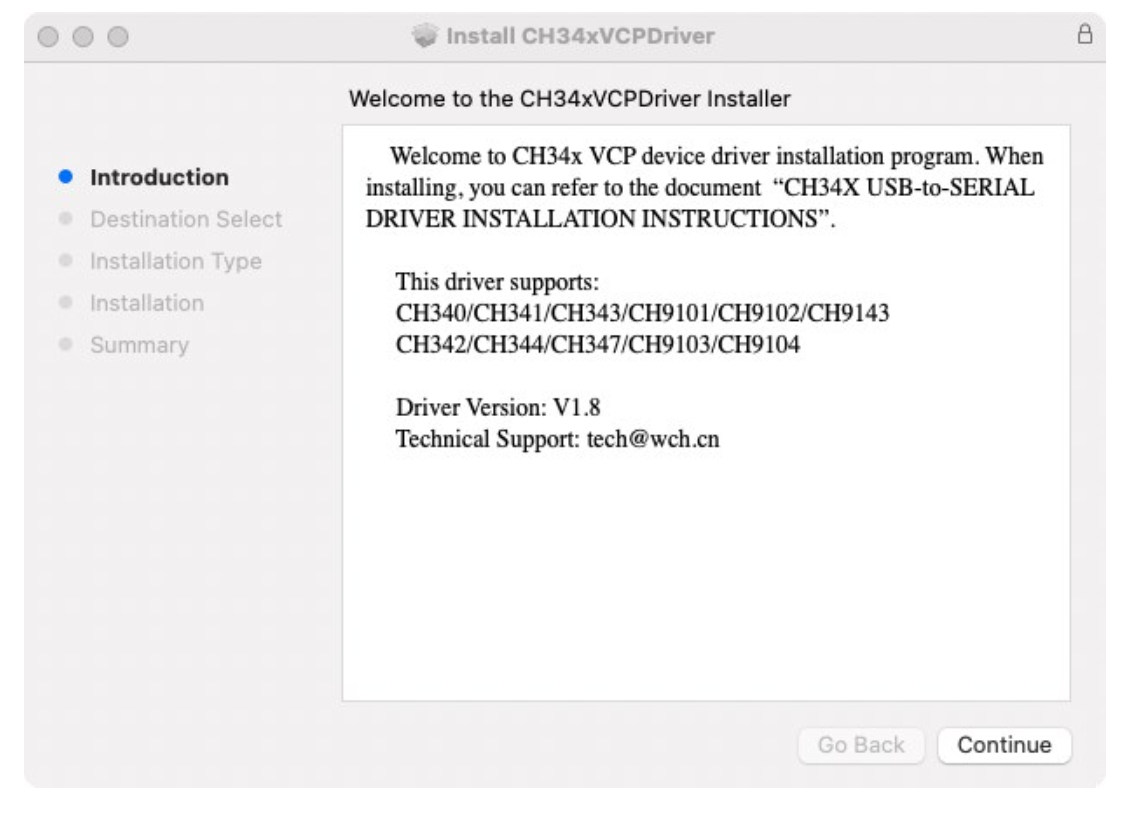
Introduction
This installation guide document shows the process of installing the macOS driver for WCH USB devices to serial devices.
The driver can be downloaded from this website:
Link:http://www.wch.cn/downloads/CH341SER_MAC_ZIP.html
System requirements
OS X 10.9 to OS X 10.15
OS X 11.0 (Big Sur) and above
Chip model support
CH340/CH341/CH343/CH9101/CH9102/CH9143 (USB to Single Serial Port)
CH342/CH344/CH347/CH9103/CH9104 (USB to Multi Serial Ports)
Install
1. Download the driver from the website and extract the file to a local installation directory.
3. When installing pkg format drivers, click the driver file and proceed step by step.
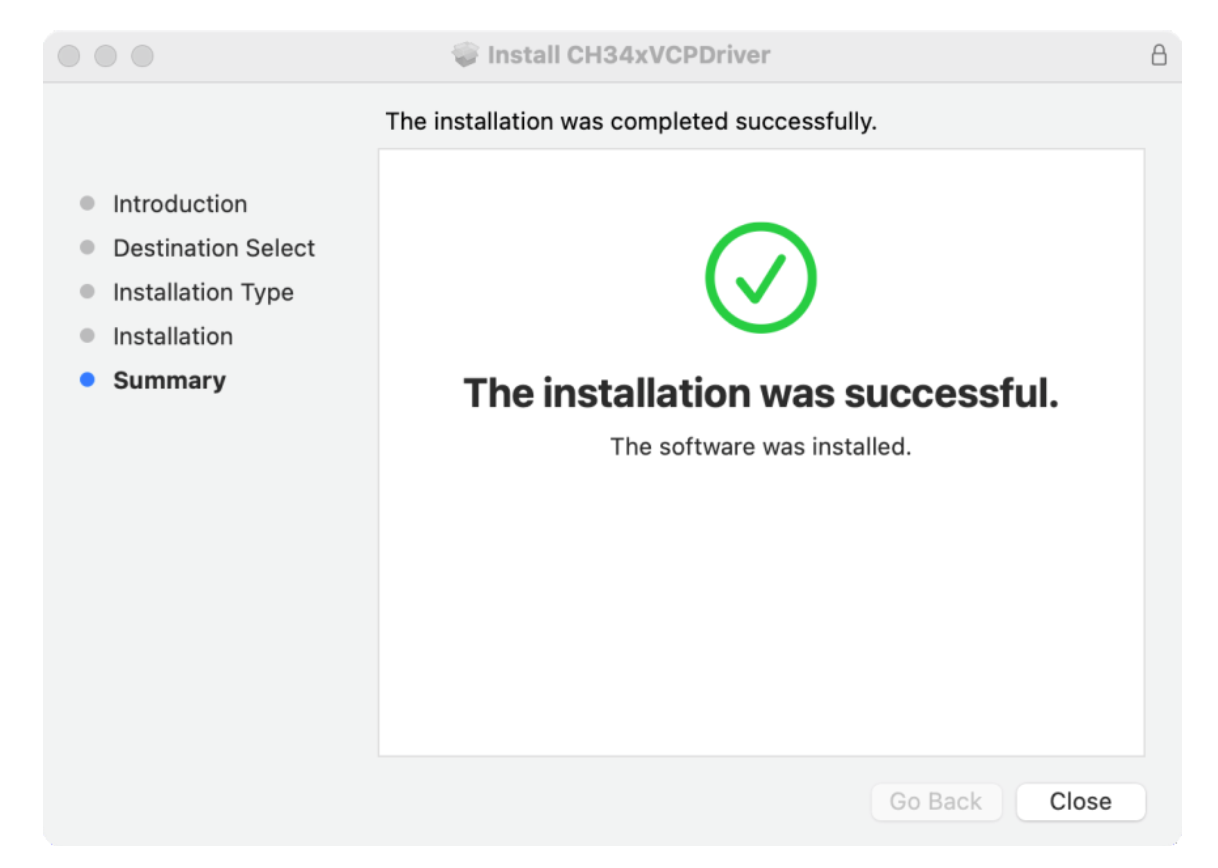
When installing pkg format drivers on OS X 11.0 and above, you need to perform the following additional operations:
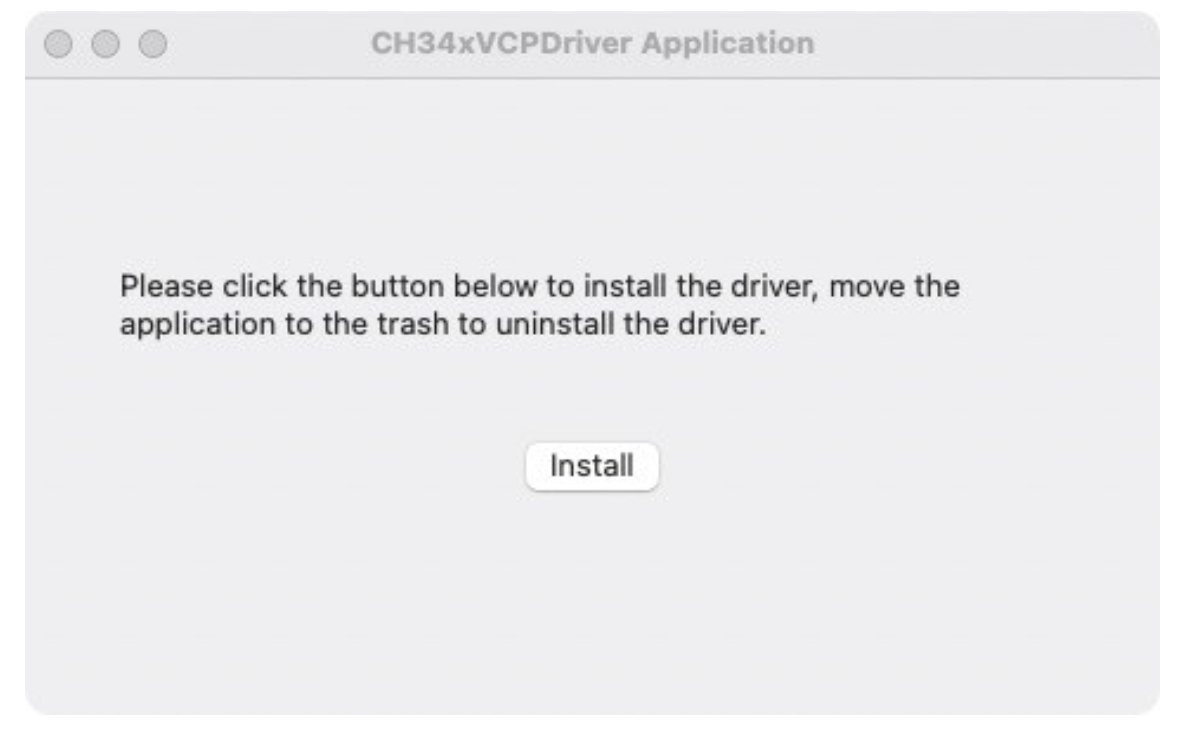
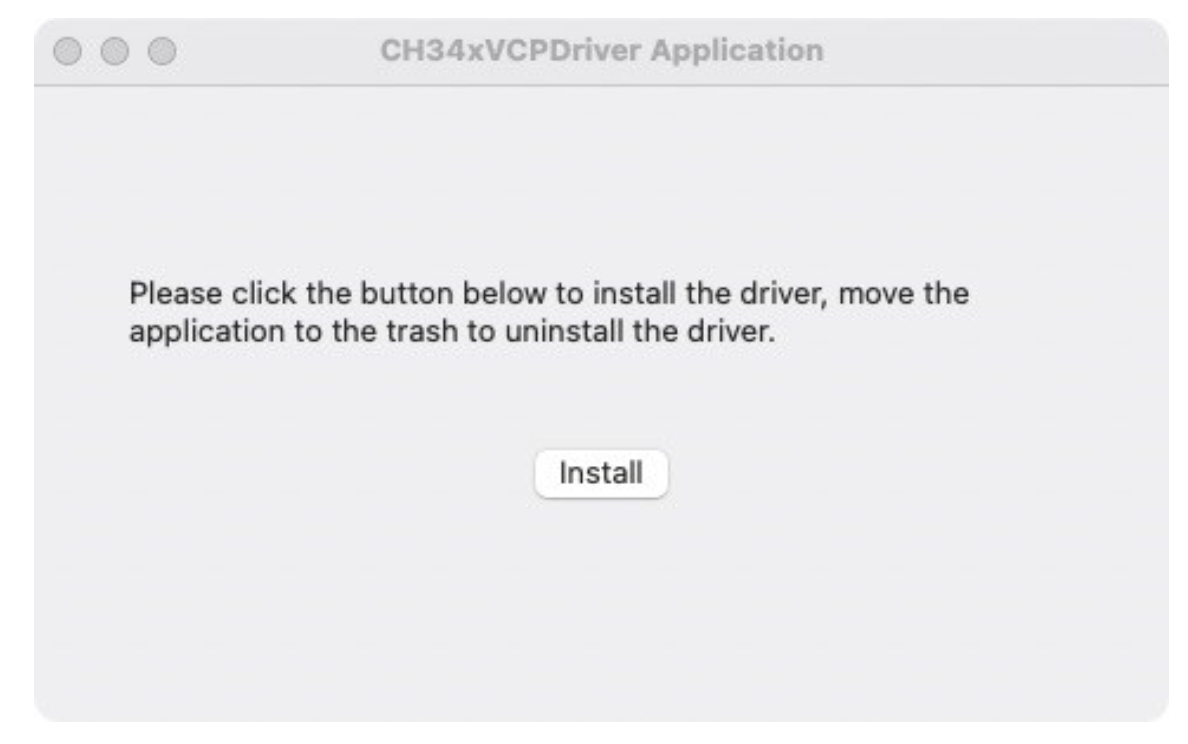
Open “LaunchPad”, find the “CH34xVCPDriver” application, open the application, and click the “Install / Install” button.
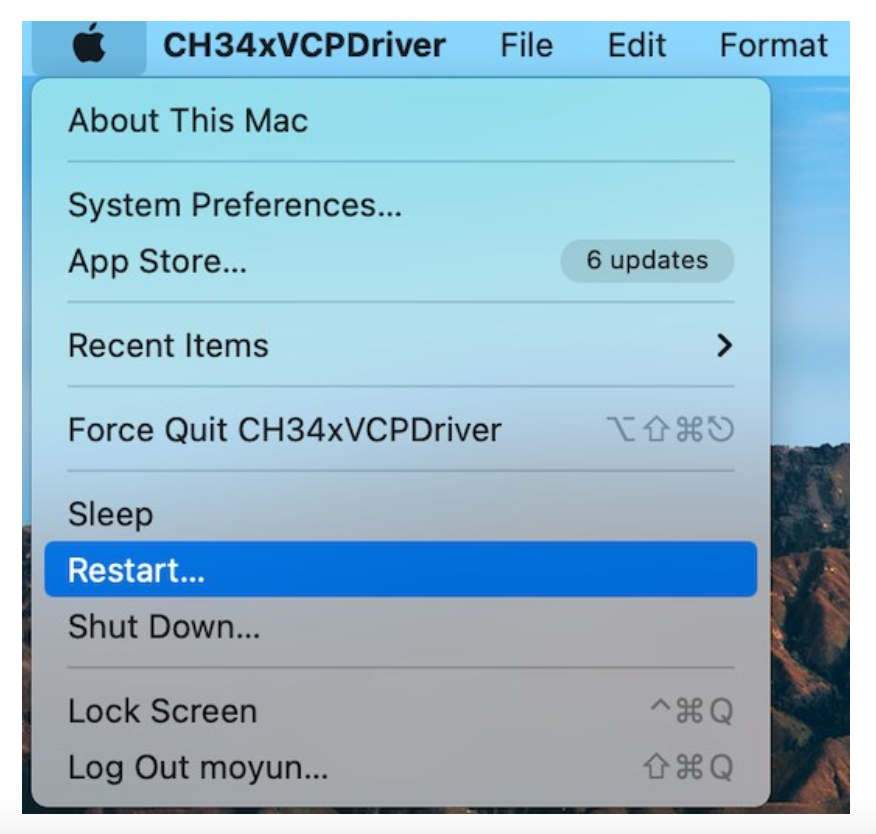
When using OS X 10.9 to OS X 10.15, you need to click on “Restart” to restart the computer, and then perform the following steps after the restart.
4 .When installing dmg format drivers, you need to click on the dmg file, drag "CH34xVCPDriver" to the application folder in the operating system, then open "LaunchPad", find the "CH34xVCPDriver" application, open the application, and click the "Install" button.
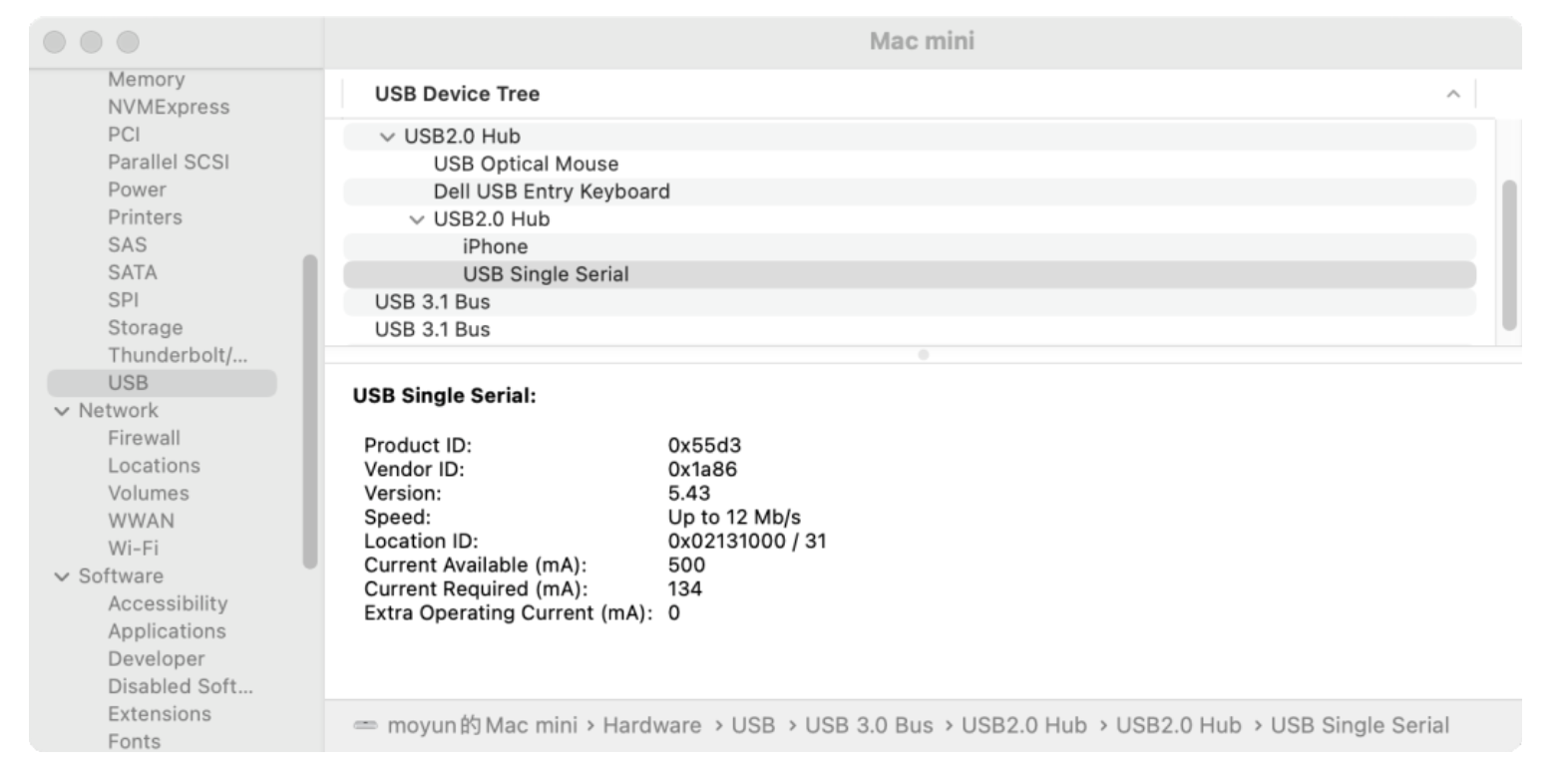
5.When you insert a USB serial device into a USB port, you can open "System Report" -> Hardware -> USB, on the right is "USB Device Tree", if the USB device is working properly, you will find that the device's "Vendor ID" is [0x1a86]
6. Open the "Terminal" application in the "Applications-Utilities" folder and enter the command "ls /dev/tty*".
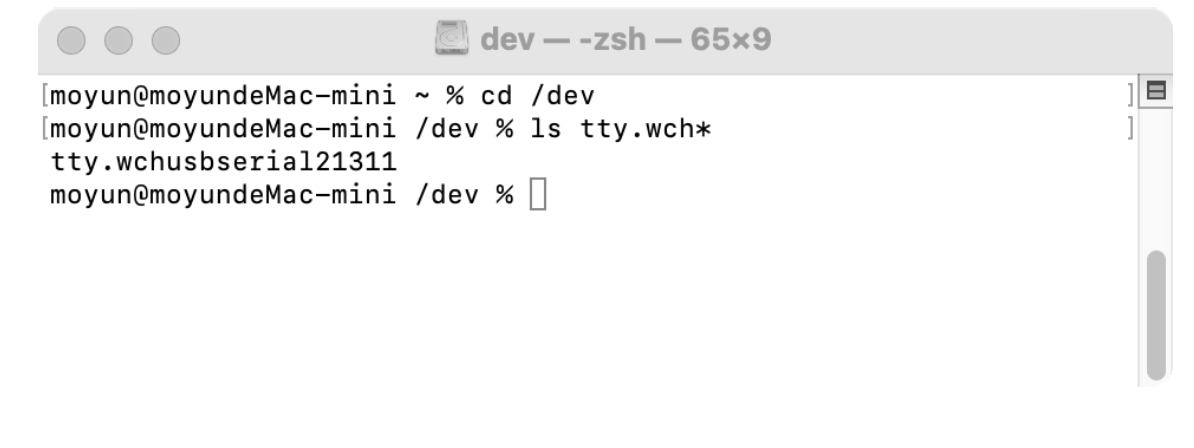
You should take a look at 'tty'. 'x' is the assigned device number, similar to the device number allocation of Windows COM ports.
Notebook
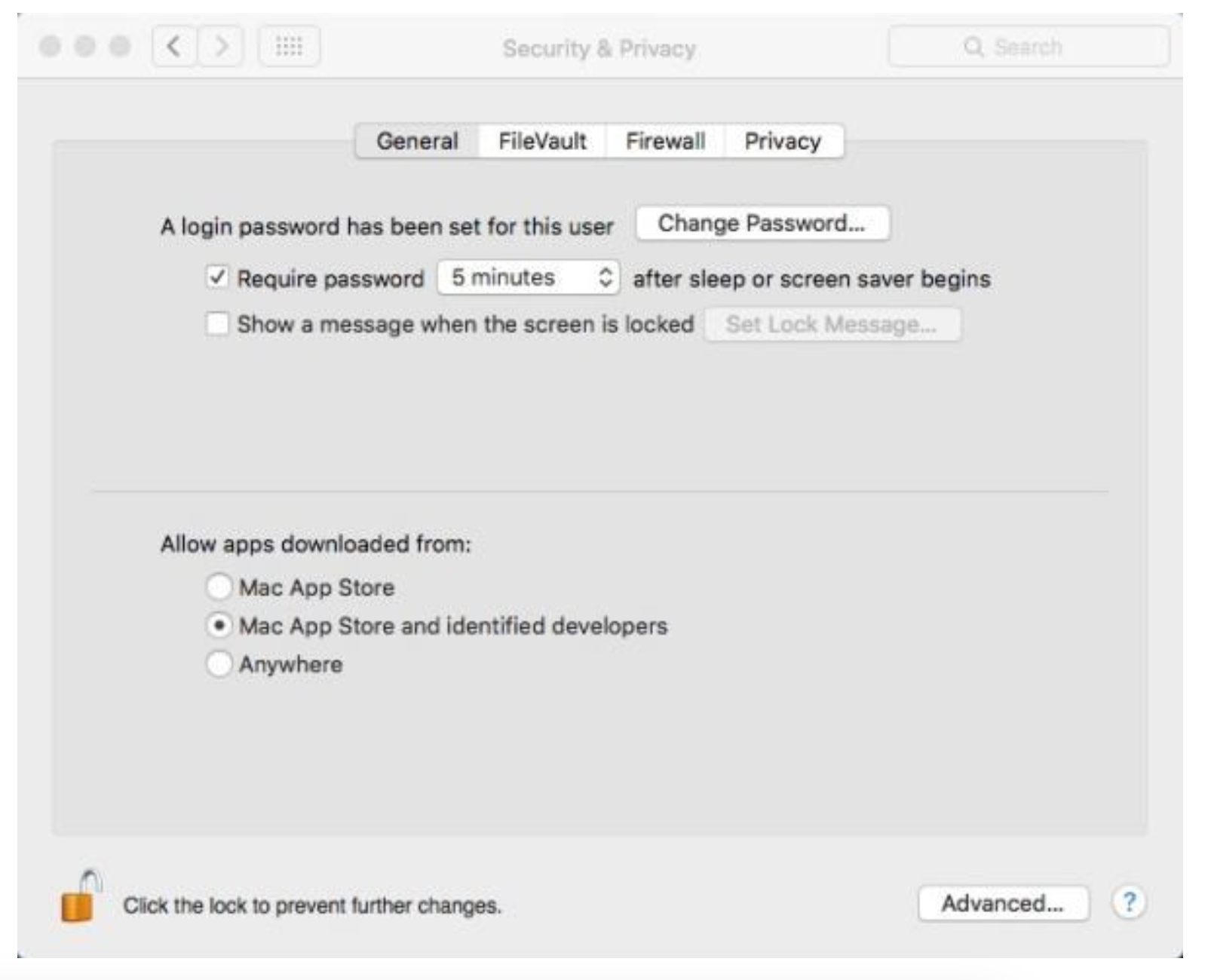
macOS High Sierra 10.13 introduced a new feature that requires user approval before loading new third-party kernel extensions.
Please go to the 'System Preferences' -> 'Security & Privacy' -> 'General' page, below the title 'Allow app downloads: Select option 2 ->' Mac App Store and identify developers, so that the driver can work properly.
Uninstall the driver
OS X 10.9~10.11
Open the 'Terminal' program in the 'Applications - Utilities' folder and enter the following command:
sudo rm -rf /Library/Extensions/CH34xVCPDriver.kext
sudo rm -rf /var/db/receipts/*CH34xVCPDriver.
OS X 10.12~10.15
Open the 'Terminal' program in the 'Applications - Utilities' folder and enter the following command:
sudo rm -rf /Library/Extensions/CH34xVCPDriver.kext
sudo rm -rf /Library/Extensions/CH34xVCPControlDriver.kext
sudo rm -rf /var/db/receipts/*CH34xVCPDriver*.*
sudo rm –rf /var/db/receipts/*CH34xVCPControlDriver*.*