1. Introduction
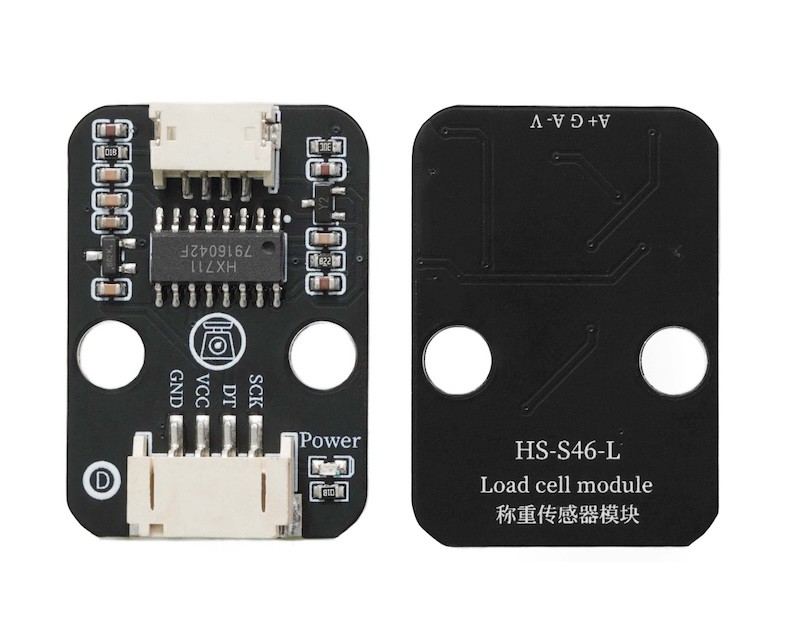
The Hx711 load cell is a device that converts mechanical quantities (such as weight, pressure) into electrical signals for output. It is a common type that utilizes the deformation of an elastic body, with resistive strain gauges attached to change their resistance value as they deform, converting the resistance change into a voltage signal through a Wheatstone bridge, and then amplifying and converting it into a digital signal.
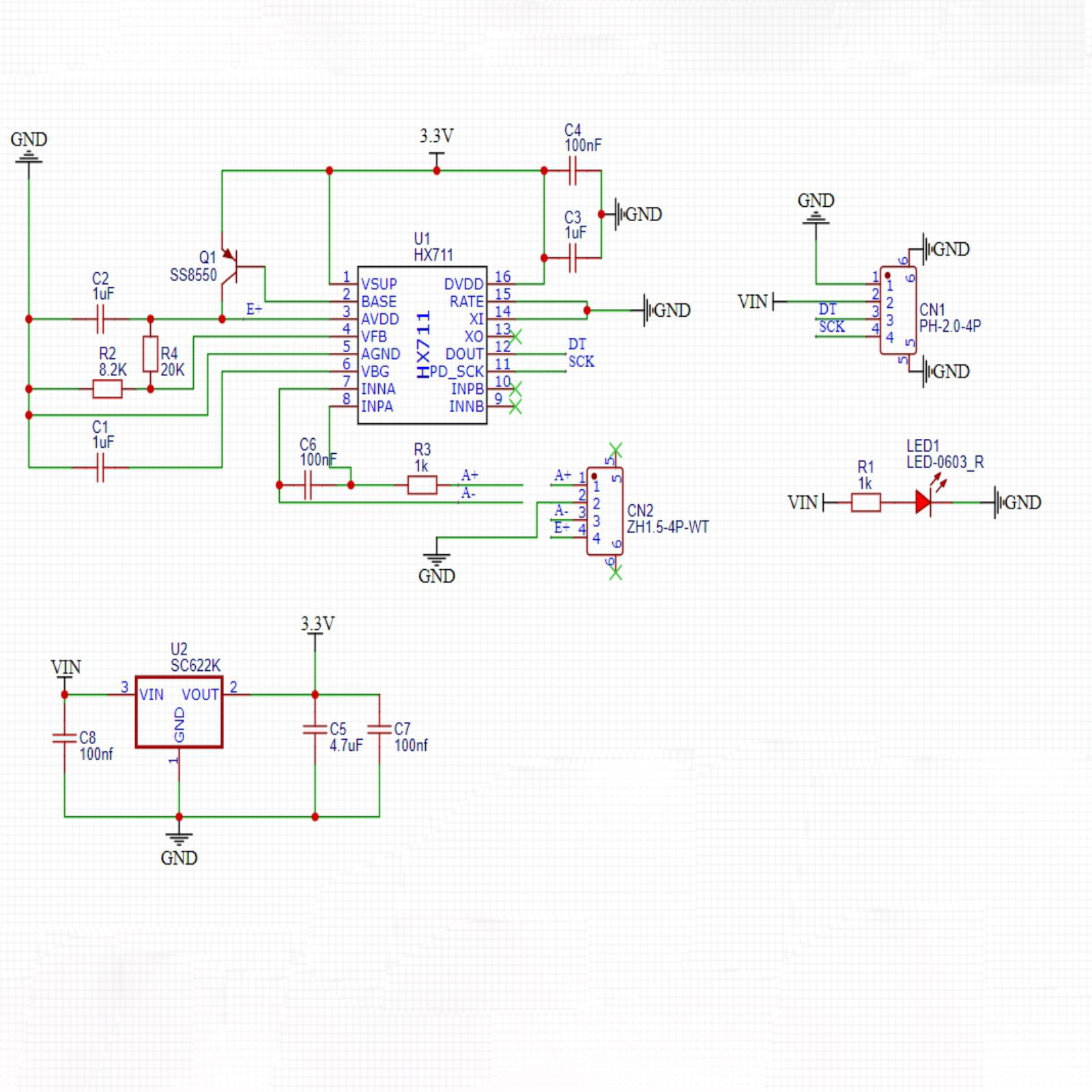
2. Schematic
Module Parameters
Pin Name | description |
|---|---|
G | GND (Negative Power Input) |
V | VCC (Positive Power Input) |
D | Data pin |
S | clock pin |
Supply voltage: 3.3V-5V
Connection method: PH2.0 4P terminal wire
Installation method: Modular fixed
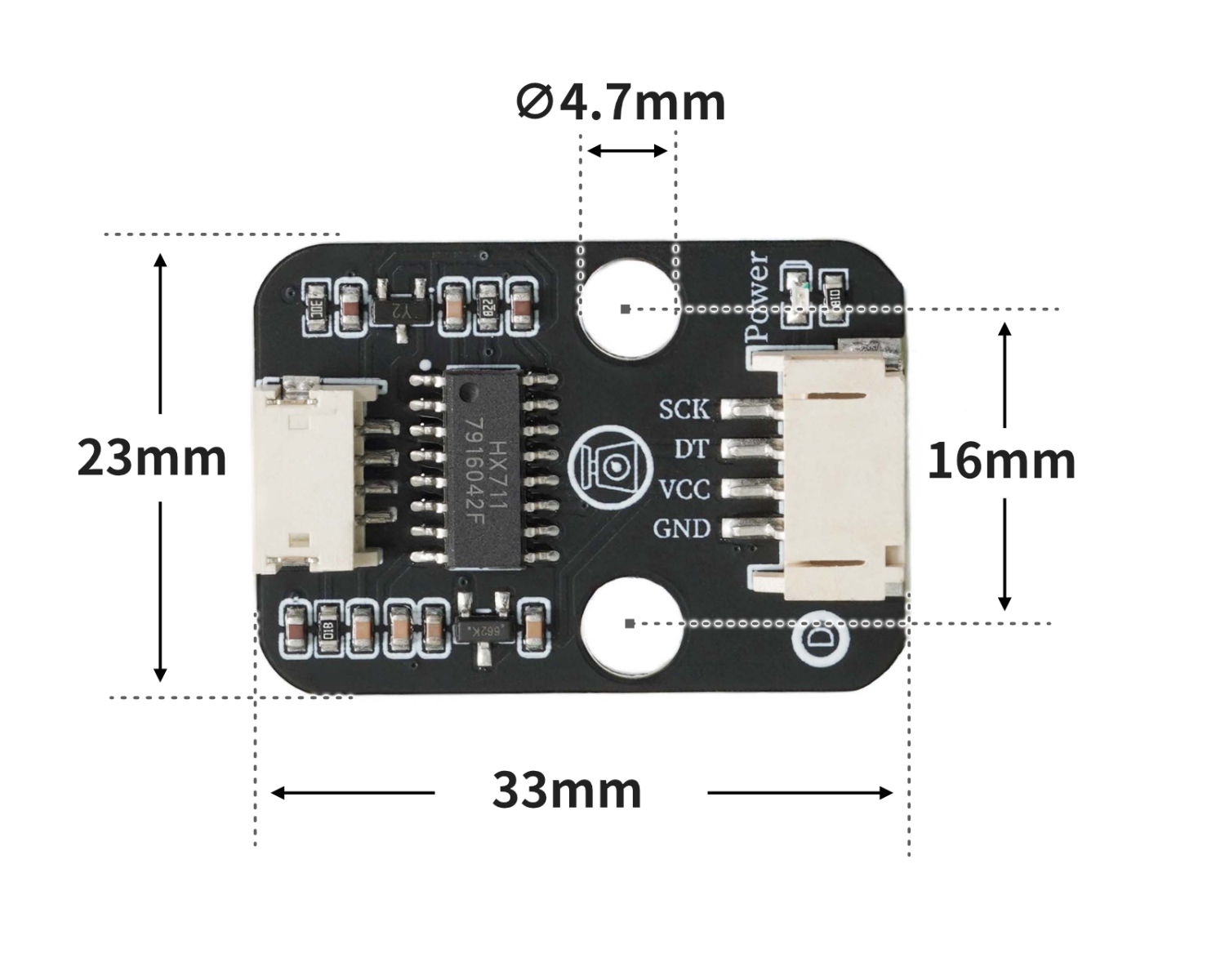
4, Circuit Board Size
Add Arduino Library File
Reference here if you don't know how to use library files:Install and use library files
Library file download: Click to download
6, Add MicroPython environment library file
Please click here if you cannot install library files:Reference link
7. Arduino IDE example program
Example Program (UNO Development Board): Click to Download
#include <Hx711.h>

Hx711 scale6_5(6,5);

void setup(){
  scale6_5.setOffset(scale6_5.getAverageValue(30));
  scale6_5.setScale(363.47);
  Serial.begin(9600);
}

void loop(){
  Serial.println(scale6_5.getWeight(10));

}
Example Program (ESP32 Development Board — Based on Python language, cannot be uploaded using Arduino IDE):
from machine import Pin
from utime import sleep_us, sleep_ms, time
import ujson
from micropython import const

class HX711Exception(Exception):
    pass

class InvalidMode(HX711Exception):
    pass

class DeviceIsNotReady(HX711Exception):
    pass

class HX711:
    CHANNEL_A_128 = const(1)
    CHANNEL_A_64 = const(3)
    CHANNEL_B_32 = const(2)

    DATA_BITS = const(24)
    MAX_VALUE = const(0x7fffff)
    MIN_VALUE = const(0x800000)
    READY_TIMEOUT_SEC = const(5)
    SLEEP_DELAY_USEC = const(80)

    def __init__(self, d_out: int, pd_sck: int, channel: int = CHANNEL_A_128, config_file="hx711setting.json"):
        self.d_out_pin = Pin(d_out, Pin.IN)
        self.pd_sck_pin = Pin(pd_sck, Pin.OUT, value=0)
        self._channel = channel
        self.offset = 0
        self.scale = 1.0
        self.config_file = config_file
        self.load_offset_scale()

    def _convert_from_twos_complement(self, value: int) -> int:
        if value & (1 << (self.DATA_BITS - 1)):
            value -= 1 << self.DATA_BITS
        return value

    def _set_channel(self):
        for i in range(self._channel):
            self.pd_sck_pin.value(1)
            self.pd_sck_pin.value(0)

    def _wait(self):
        t0 = time()
        while not self.is_ready():
            if time() - t0 > self.READY_TIMEOUT_SEC:
                raise DeviceIsNotReady()

    @property
    def channel(self) -> tuple:
        if self._channel == self.CHANNEL_A_128:
            return 'A', 128
        if self._channel == self.CHANNEL_A_64:
            return 'A', 64
        if self._channel == self.CHANNEL_B_32:
            return 'B', 32

    @channel.setter
    def channel(self, value):
        if value not in (self.CHANNEL_A_128, self.CHANNEL_A_64, self.CHANNEL_B_32):
            raise InvalidMode('Gain should be one of HX711.CHANNEL_A_128, HX711.CHANNEL_A_64, HX711.CHANNEL_B_32')
        self._channel = value
        if not self.is_ready():
            self._wait()
        for i in range(self.DATA_BITS):
            self.pd_sck_pin.value(1)
            self.pd_sck_pin.value(0)
        self._set_channel()

    def is_ready(self) -> bool:
        return self.d_out_pin.value() == 0

    def power_off(self):
        self.pd_sck_pin.value(0)
        self.pd_sck_pin.value(1)
        sleep_us(self.SLEEP_DELAY_USEC)

    def power_on(self):
        self.pd_sck_pin.value(0)
        self.channel = self._channel

    def read_raw(self):
        if not self.is_ready():
            self._wait()
        raw_data = 0
        for i in range(self.DATA_BITS):
            self.pd_sck_pin.value(1)
            self.pd_sck_pin.value(0)
            raw_data = (raw_data << 1) | self.d_out_pin.value()
        self._set_channel()
        return self._convert_from_twos_complement(raw_data)

    def tare(self, samples=50):
        total = sum(self.read_raw() for _ in range(samples))
        self.offset = total / samples
        return self.offset

    def set_scale(self, known_weight, samples=50):
        raw_total = sum(self.read_raw() for _ in range(samples))
        raw_avg = raw_total / samples
        self.scale = (raw_avg - self.offset) / known_weight
        if self.scale == 0:
            self.scale = 1
        return self.scale

    def get_weight(self, samples=25, filter_type="mean"):
        values = [self.read_raw() for _ in range(samples)]
        if filter_type == "median":
            values.sort()
            raw = values[len(values)//2]
        else:
            raw = sum(values)/len(values)
        return (raw - self.offset)/self.scale

    def save_offset_scale(self):
        with open(self.config_file, "w") as f:
            ujson.dump({'offset': self.offset, 'scale': self.scale}, f)

    def load_offset_scale(self):
        try:
            with open(self.config_file, "r") as f:
                data = ujson.load(f)
                self.offset = data.get("offset", 0)
                self.scale = data.get("scale", 1.0)
        except:
            self.offset = 0
            self.scale = 1.0
hx = HX711(d_out=17, pd_sck=16)


print("=== HX711 自动校准程序 ===")
print("1. 请确保秤上没有物体...")
sleep_ms(3000)
hx.tare()
print("去皮完成,offset =", hx.offset)

known_weight = 199
print("2. 请放入 %.2f g 重量的物品..." % known_weight)
sleep_ms(5000)
scale = hx.set_scale(known_weight)
print("校准完成,scale =", scale)

hx.save_offset_scale()
print("参数已保存,可以直接开始测量。")


while True:
    print(hx.get_weight(samples=50, filter_type="mean"))
8, Mixly Example Program (Graphic Language)
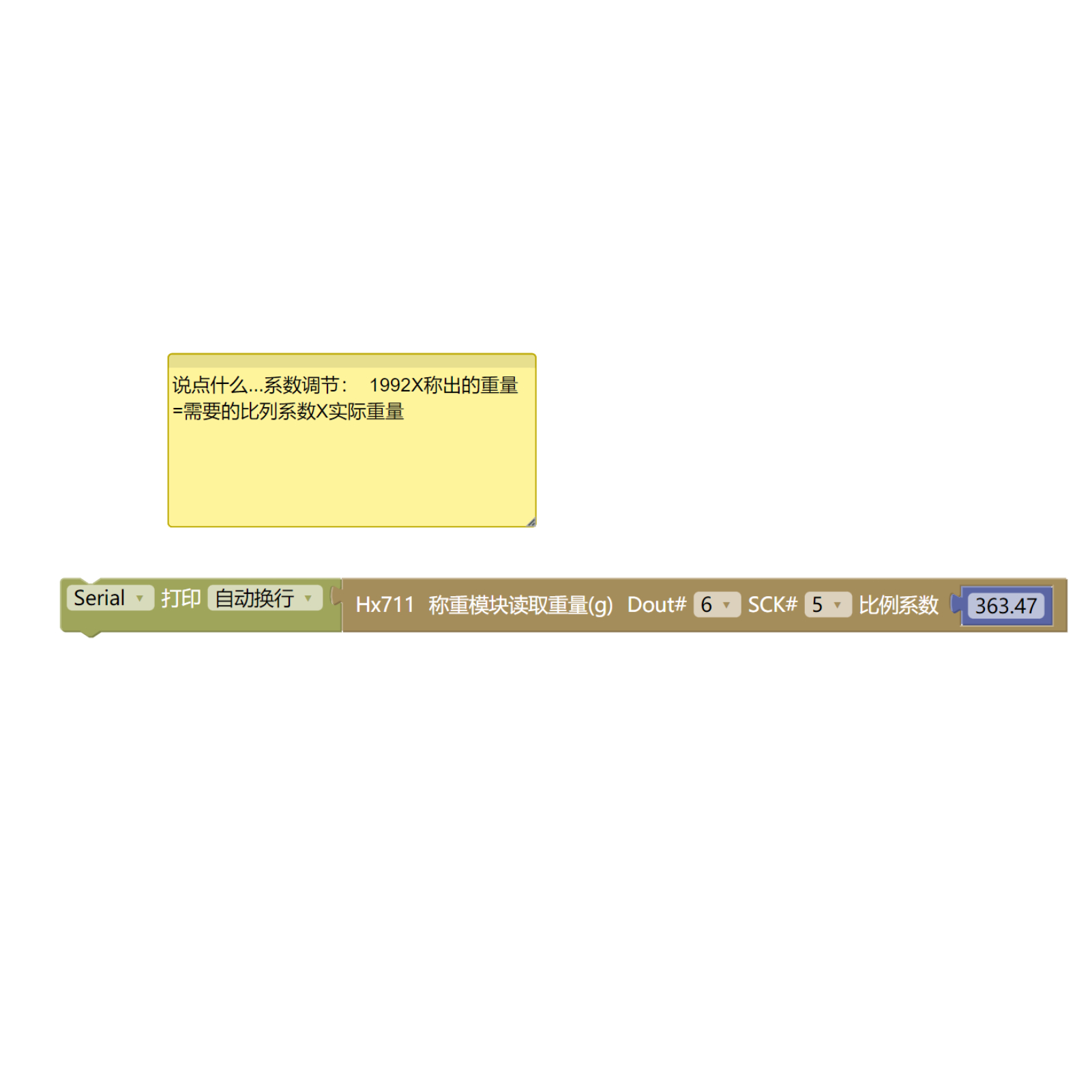
Example Program (UNO Development Board):Click to download
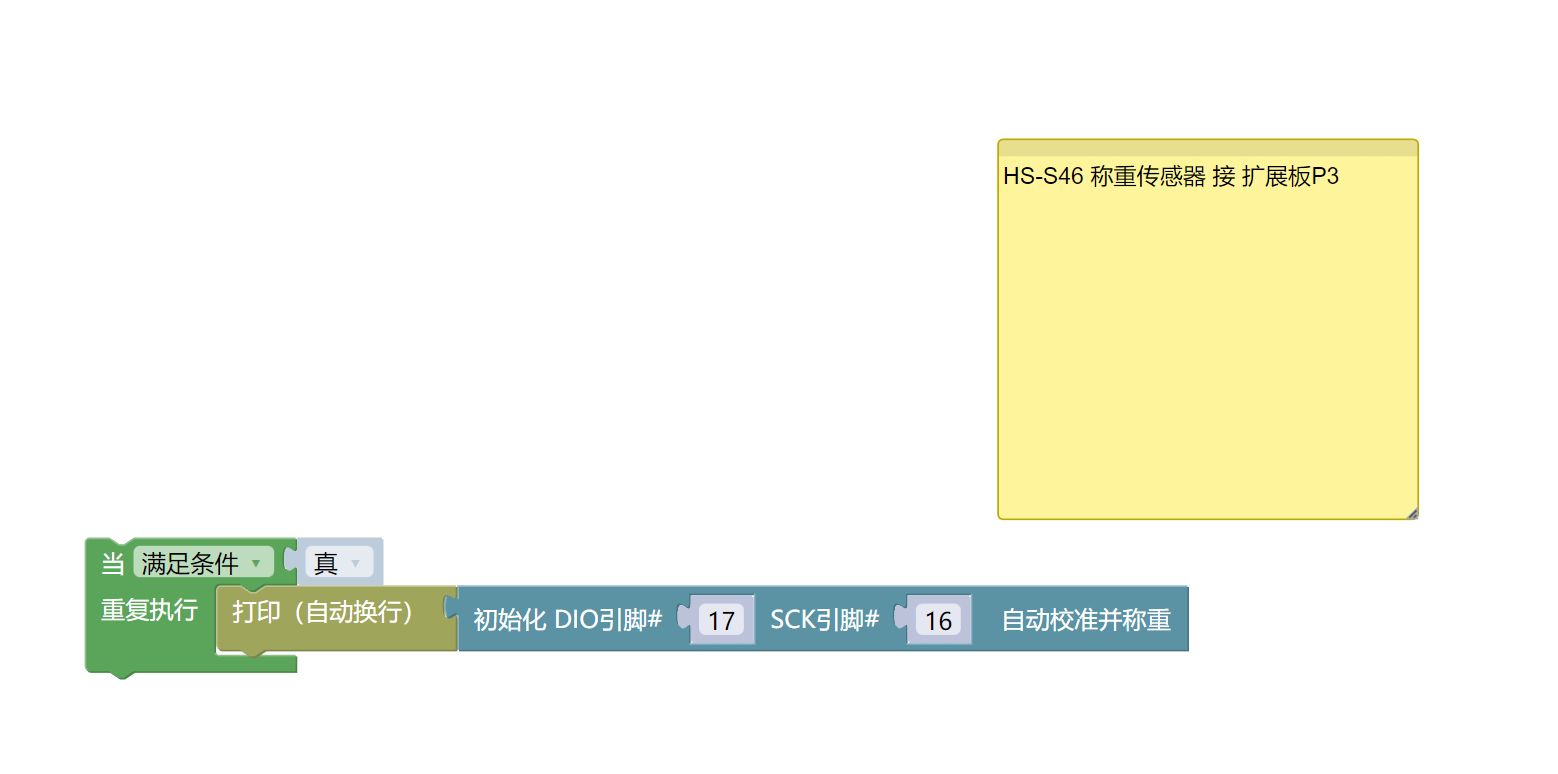
Example Program (ESP32 Development Board):Click to download
9. Setting up the Test Environment
Arduino UNO Test Environment Setup
Prepare Components:
UNO-R3 Development Board *1
UNO-R3 Expansion Board *1
USB TYPE-C DATA CABLE *1
HS-S46-L weighing sensor*1
PH2.0 4P Double Head Terminal Line *1
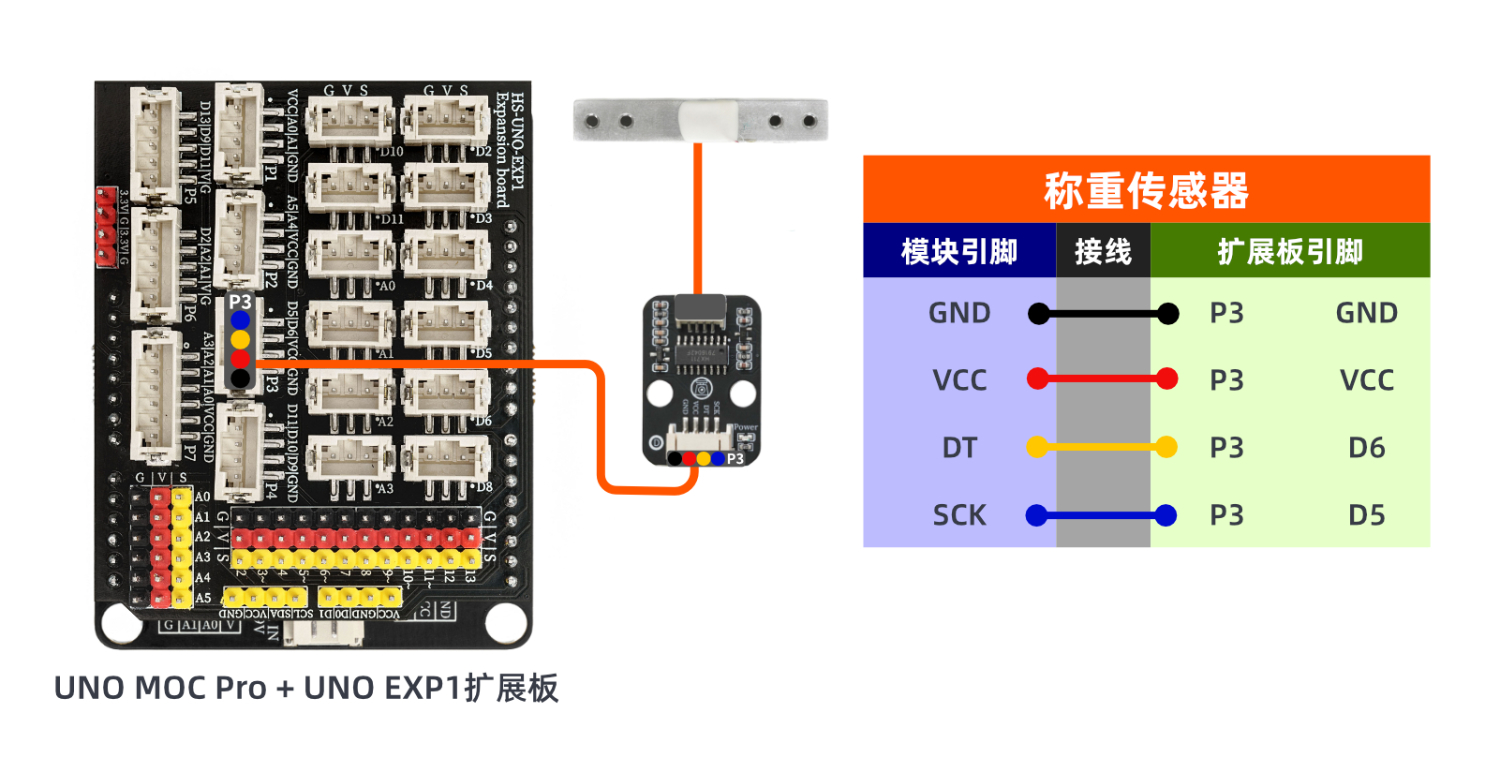
Circuit wiring diagram:
ESP32 Python test environment setup
10, video tutorial
Arduino UNO video tutorial: Click to view
ESP32 Python Video Tutorial:
11. Test Conclusion
Arduino UNO Test Conclusion:
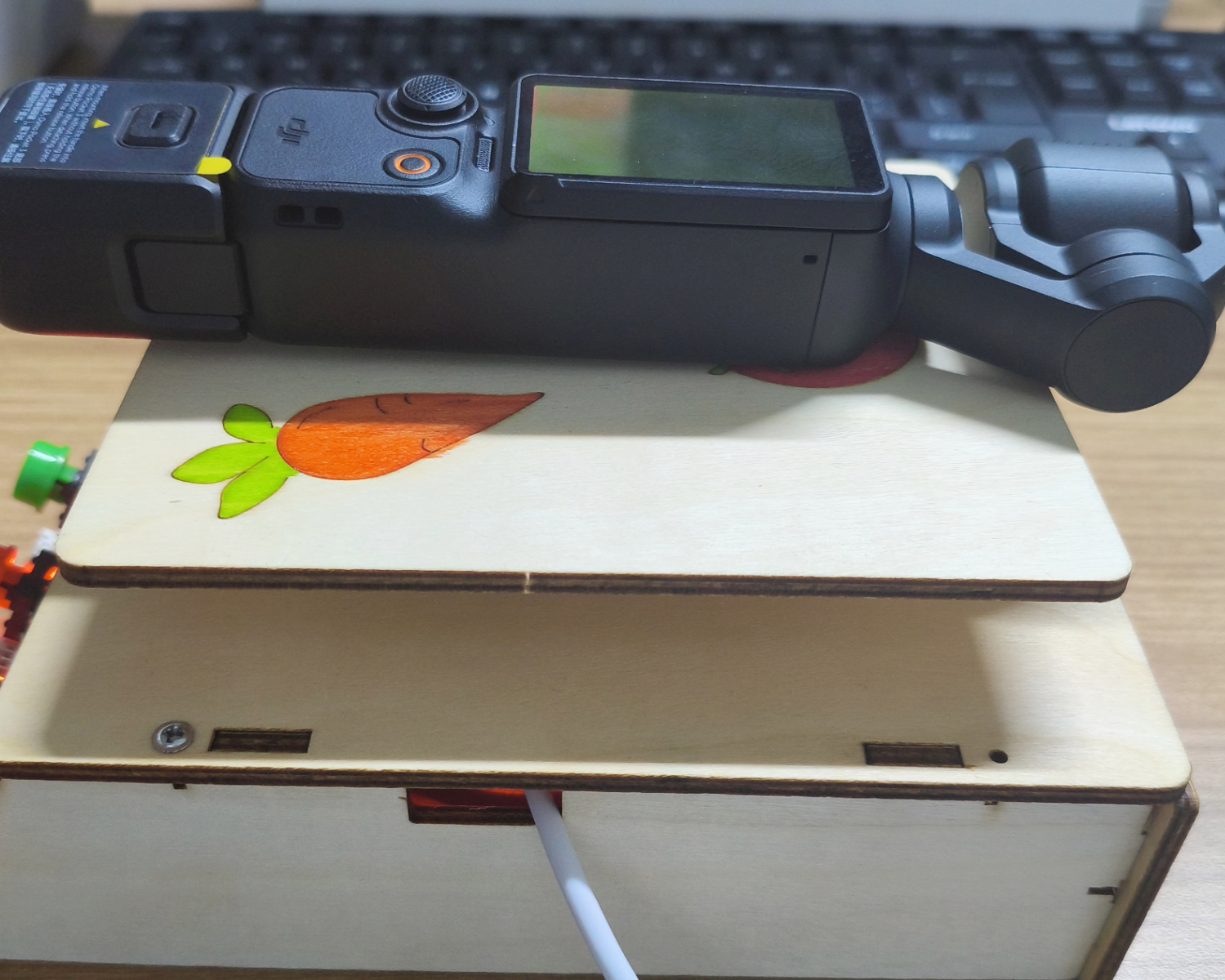
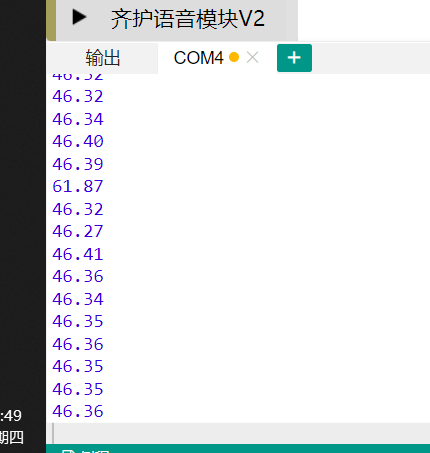
Enter the code, then place the object on the inductive scale, and the weight of the object can be read through the computer serial port.