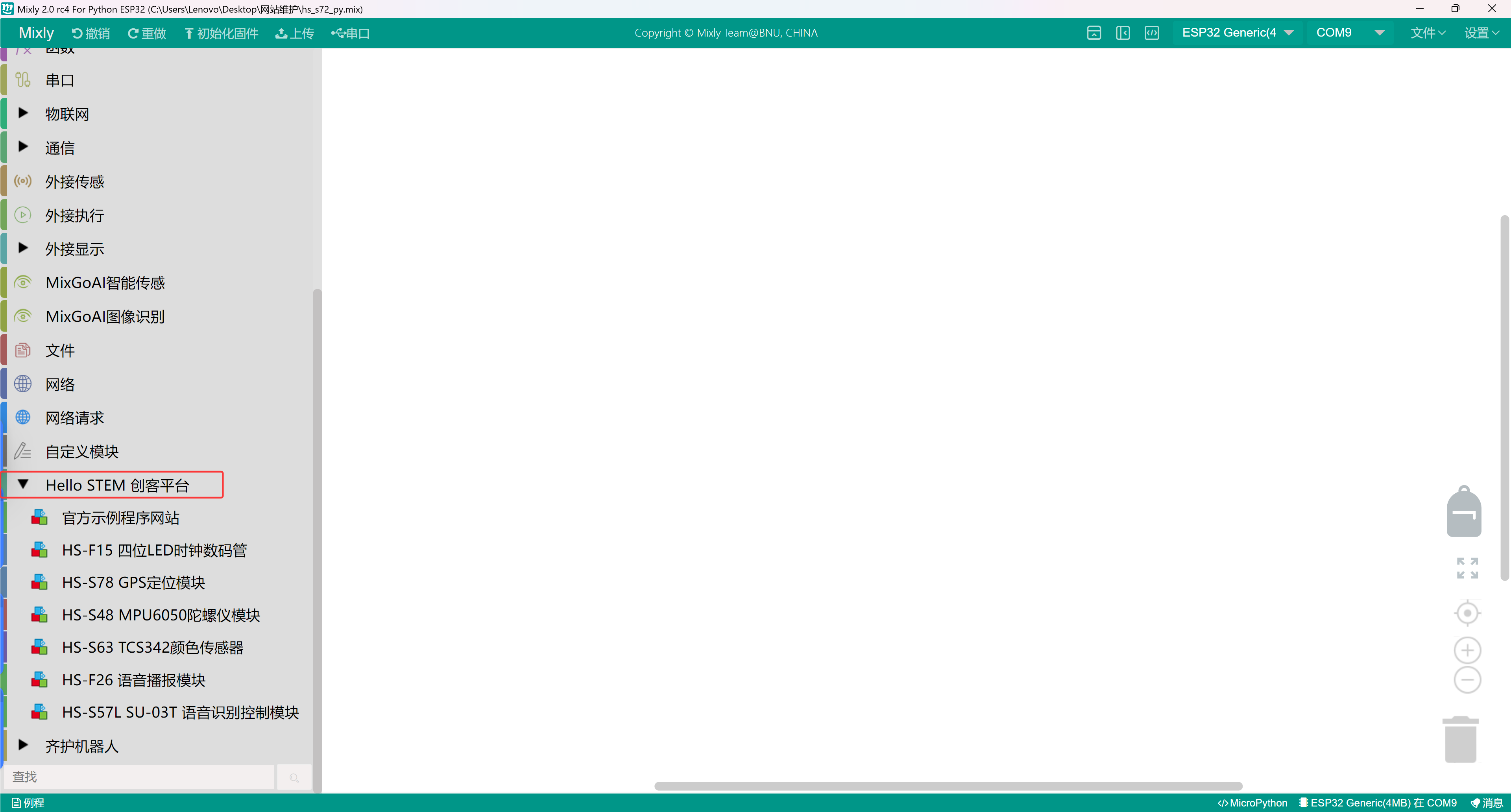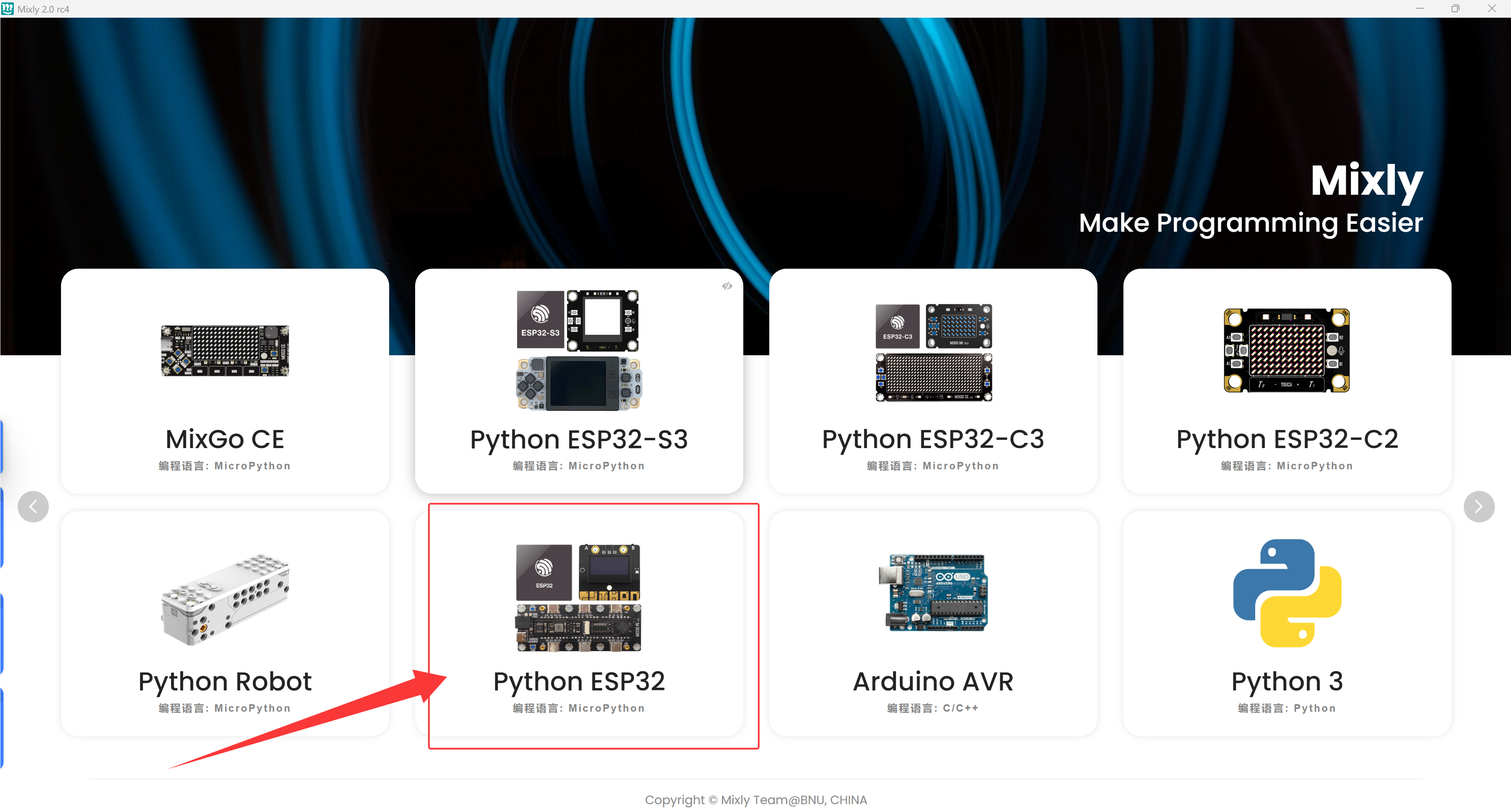
The library file added in this tutorial is only for EPS32 development board to use in the MICRO python environment, and cannot be used in the C language environment!
1. Connect the development board first, then open the MiSiQi software to select the correct development board.
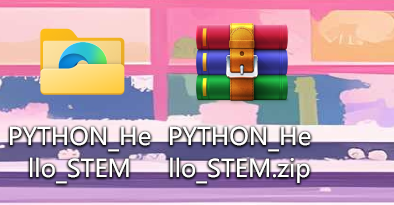
2. The second step is to download the Micro Python library file for ESP32 and unzip it on the desktop.Click to download
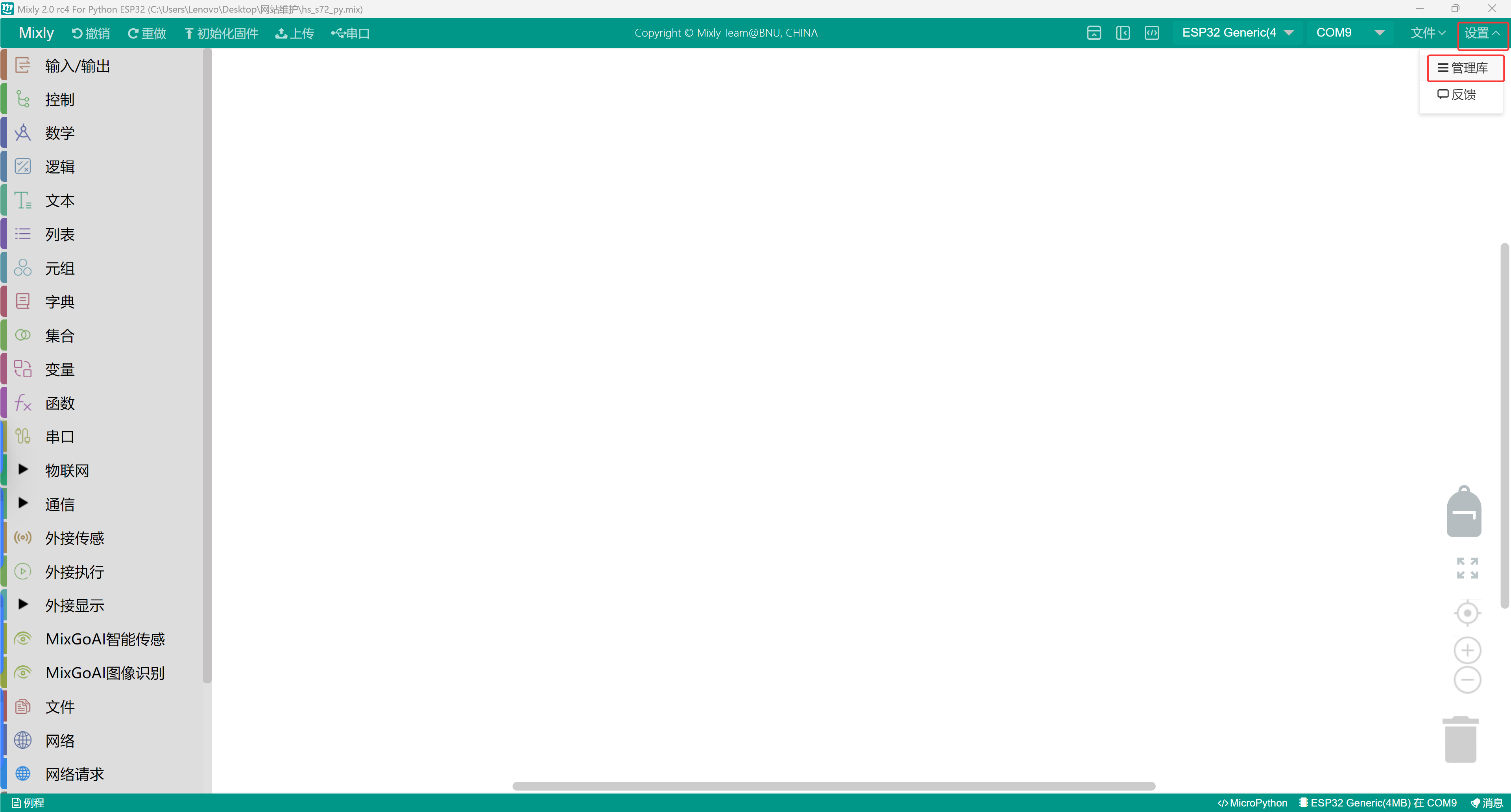
3, click the settings at the top right corner of the Misenqi software and click Manage Libraries.
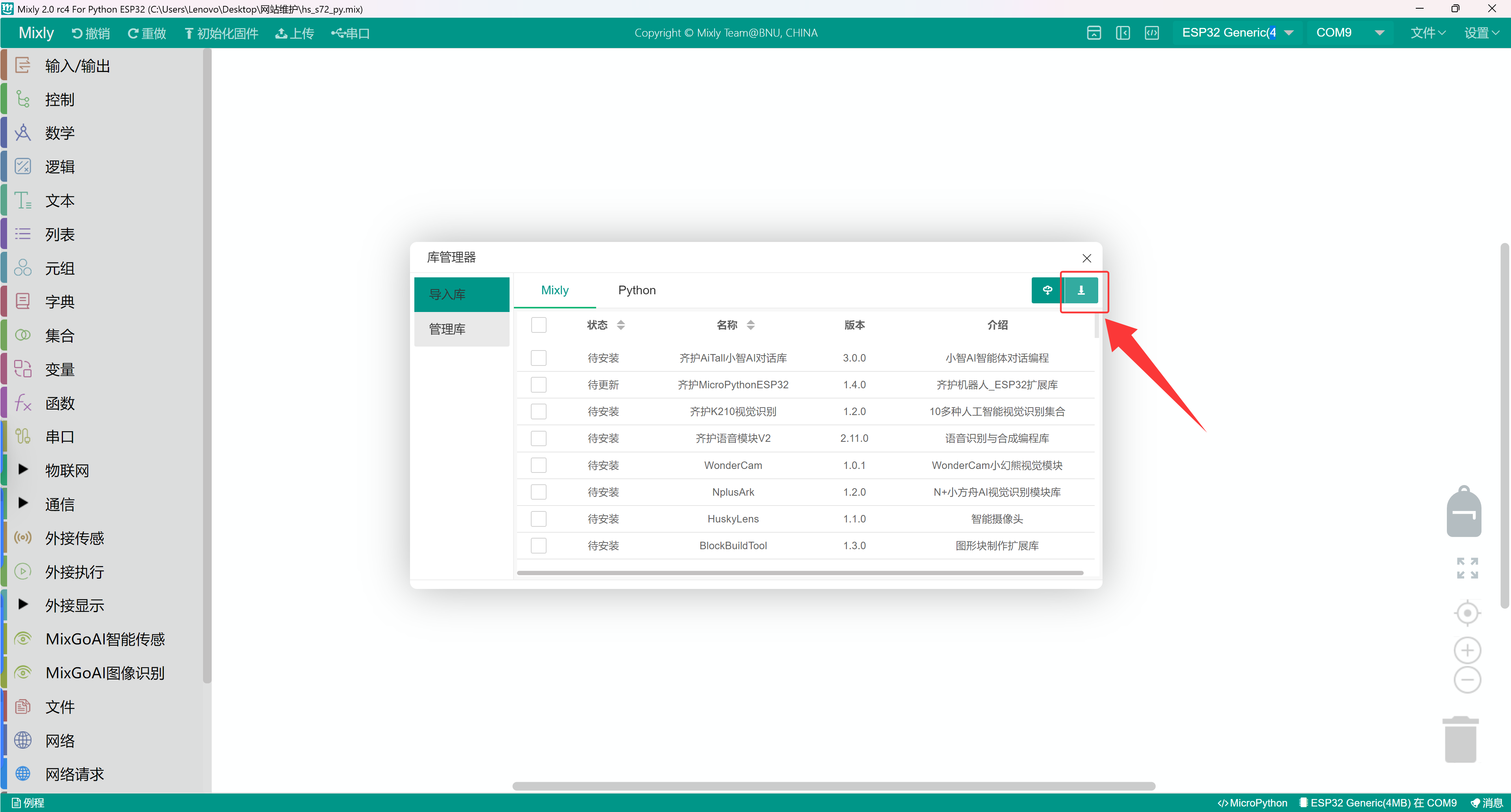
4, click Upload Locally.
5, find the folder just extracted to the desktop
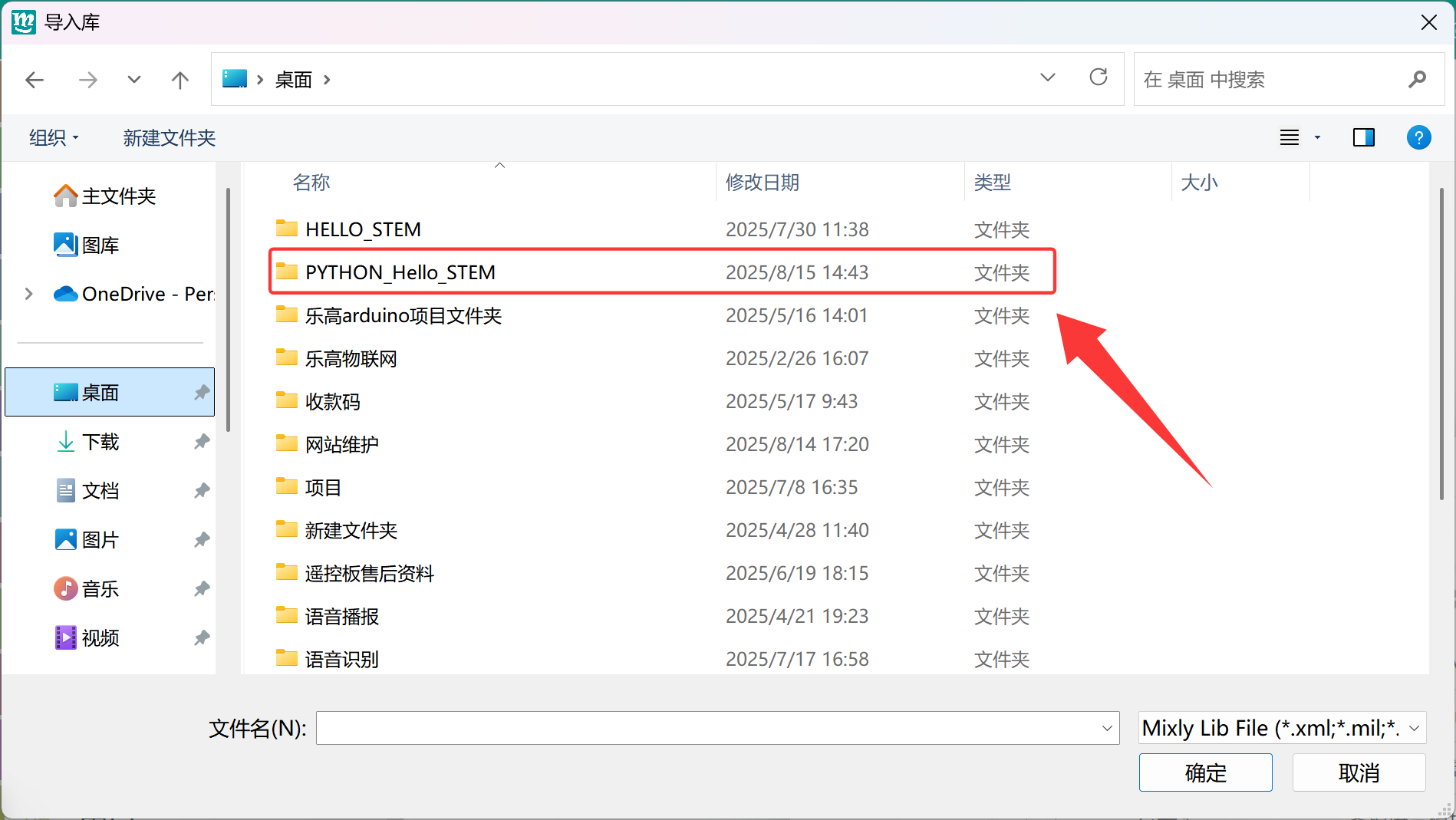
6, select the file with the .XML suffix of Misqi and click OK.

7, go back to Misqi and check if it was added successfully.